Why I built this
Bug bounty recon produces a lot of noise. A scanner can return thousands of hits in a day, and most of them are 404 pages, login screens, parked domains and default server pages. Reading all of that by hand is slow, and sending all of it to a language model is expensive.
This is the tool I built to deal with that. It is a web console backed by a collector service. The collector discovers hosts, fetches their pages and decides whether a page shows a real exposure, such as an open admin panel, a directory listing with sensitive files or an API that answers without a login. The console is where I review what it found.
The project started as a passive scanner for one country's address space. I then added a mode for bug bounty programs, and that is the version this post is about.
How I use it
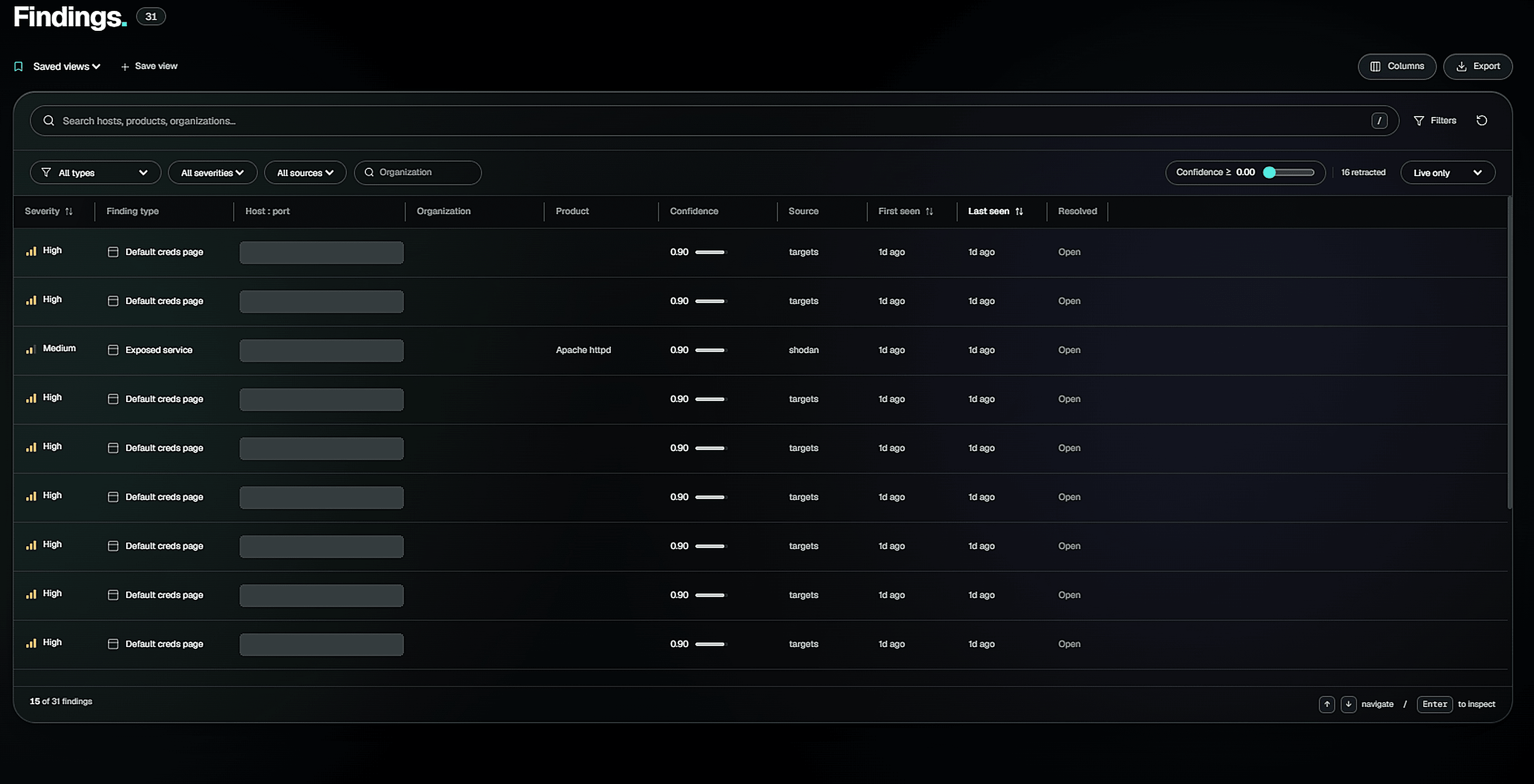
A bug bounty engagement is scoped by program. I pick a program, the program's published scope is synced in, and everything else is filtered through that engagement: the findings, the reports and the chat assistant. Reloading the browser puts me back in the same engagement.
From there the loop is short. The collector fetches pages from in-scope hosts, the pipeline decides which ones matter, and I review the evidence for each finding and write the report from it. The tool does the sorting. I still make every decision about what gets reported.
Throwing out the noise before it costs money
Most pages cannot be a finding, and a model does not need to tell me that. Before any model sees a page, a plain rule-based screen checks it. It drops pages that return 404 or 500 errors, refuse access, serve a file instead of a page, show a stock server install or a parked domain, sit behind a login form, or contain almost no text. It also drops ordinary pages with no sign of an admin tool, API or open directory.
Whatever passes goes to a model. If that model errors, is unsure, or claims an exposure without proof, the page gets a second opinion. A confident "nothing here" never gets one. The pipeline supports a cheap first tier and a stronger second tier, so the expensive model only sees the pages that need it. Right now I run both tiers on the same inexpensive model, so the screen in front of them is the part that keeps most pages away from a model at all.
A model has to quote its evidence
Language models sometimes sound sure about things that are not on the page. So when the model says a page exposes something, it must include a quote copied from the captured page. The code then checks that the quote really appears in the capture. If it does not, the claim is treated as unverified and goes back for another look instead of becoming a finding.
A few cases never need a model at all. A directory listing that holds one tiny file and nothing sensitive is rejected by a fixed rule.
Staying inside the rules of the program
Bug bounty programs publish what you may test. Touching anything else can get you banned or worse, so scope is the part of the tool I was most careful with.
A host that matches no rule from the program is refused. There is no fallback that guesses it is probably fine. A wildcard such as *.example.com covers subdomains, not example.com itself, unless the program also lists that domain. An exclusion beats every other setting.
When a program publishes a daily request limit, that budget is shared across all workers. If the counter cannot be read, the tool sends nothing instead of guessing. Requests to the same host are spaced out, and any active tool runs from a fixed list of command templates. A model can fill in arguments but cannot write a shell command.
Playbooks chosen by rules, with reasons
Once a page looks interesting, the tool suggests what to test next. It reads the page it already captured and notes what it can see: a GraphQL endpoint, an upload form, an ID in a query string, a database error message. A scoring function then ranks the playbooks that match and returns at most three.
I made this a scored function and not a prompt because I want to answer "why did it suggest that?" with something I can check. Every suggestion lists the signals that produced it, and a page with no strong signal gets no suggestion at all.
The playbook library
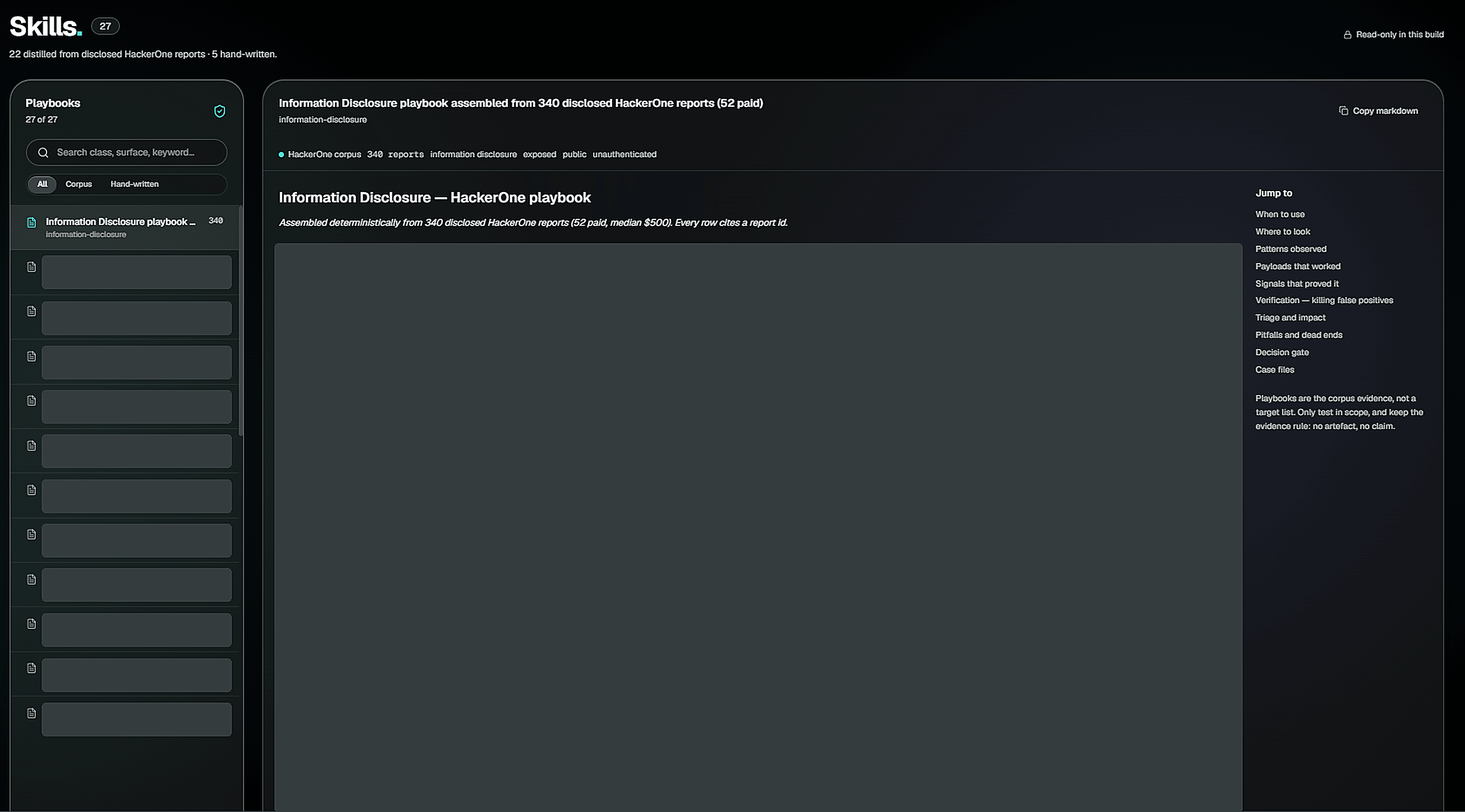
The playbooks live in the Skills page as plain markdown. Many were distilled from publicly disclosed HackerOne reports and the rest I wrote by hand. In this build the page is read-only.
The assistant inside the console
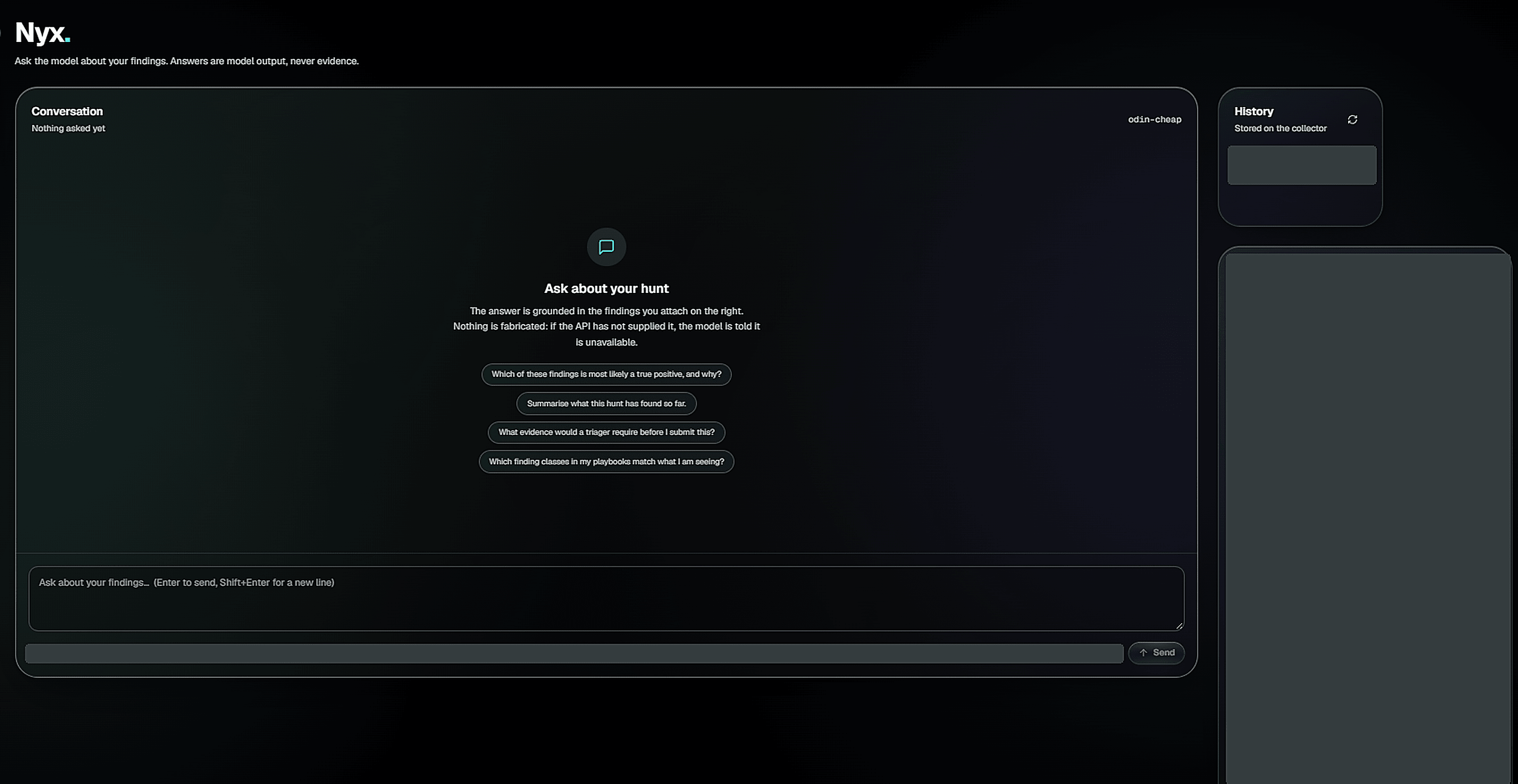
A chat assistant works from the findings in the active engagement. I use it for questions like which finding is most likely a true positive, or what evidence a triager would want before I submit.
Its tools are limited on purpose. It can read findings, screenshots and the request and response pairs behind them. The one thing it can do beyond reading is retake a screenshot, and that sends a single request to the target, so it goes through the same scope check as everything else. A tool the model invents does not exist. The API key stays on the server, and the browser never sees it.
What it is built with
The console is React 19 and TypeScript, built with Vite and styled with Tailwind. It uses TanStack Virtual to keep a long findings table fast, Radix for accessible dialogs, and Auth0 for sign-in. Unit tests run on Vitest, and Playwright scripts check the console on desktop and mobile layouts.
The collector is a Python service that stores its data in Postgres and uses Redis for queues and shared counters. It runs in Docker on a small VPS.
The design rule I kept coming back to is that the console only shows what the collector returns. There is no demo data and no placeholder chart. If the API is not connected or has nothing to show, the page says that.
What I would tell another engineer
Put the cheap, deterministic checks in front of the expensive, fuzzy ones. Make the model show its evidence and verify it in code. Make the scope check fail closed, and put it in one place so no tool can skip it. Those three decisions did more for the quality of the output than any prompt change.
What is next
Discovery today combines subdomain enumeration with optional search-engine data. The next step is a campaign model: a named set of domains a program authorises, with its own schedule and budget, discovered from free sources only, with port checks added. That design is written up but not built yet, so I treat it as a plan and not a feature.